Katherine Burge

Instructional Designer and Learning Developer

A collection of learning development work samples spanning e-learning courses, interactive applications, technical documentation, and explainer videos.

Work Samples

11 projects

Interactive Apps

Preview of The Listener
01View Project
The Listener

The Listener app lets users tune across radio frequencies and see the types of signals present—broadcast, voice, data, and amateur radio—along with clear explanations of how those signals travel and how ham operators use them. The project turns the radio spectrum into an interactive, educational experience. Built with v0 by Vercel, an AI-powered interface that generates UI components, frontend code, and full-stack applications using React, Tailwind CSS, and shadcn/ui.

Interactive Appv0React
Preview of Open Bands
02View Project
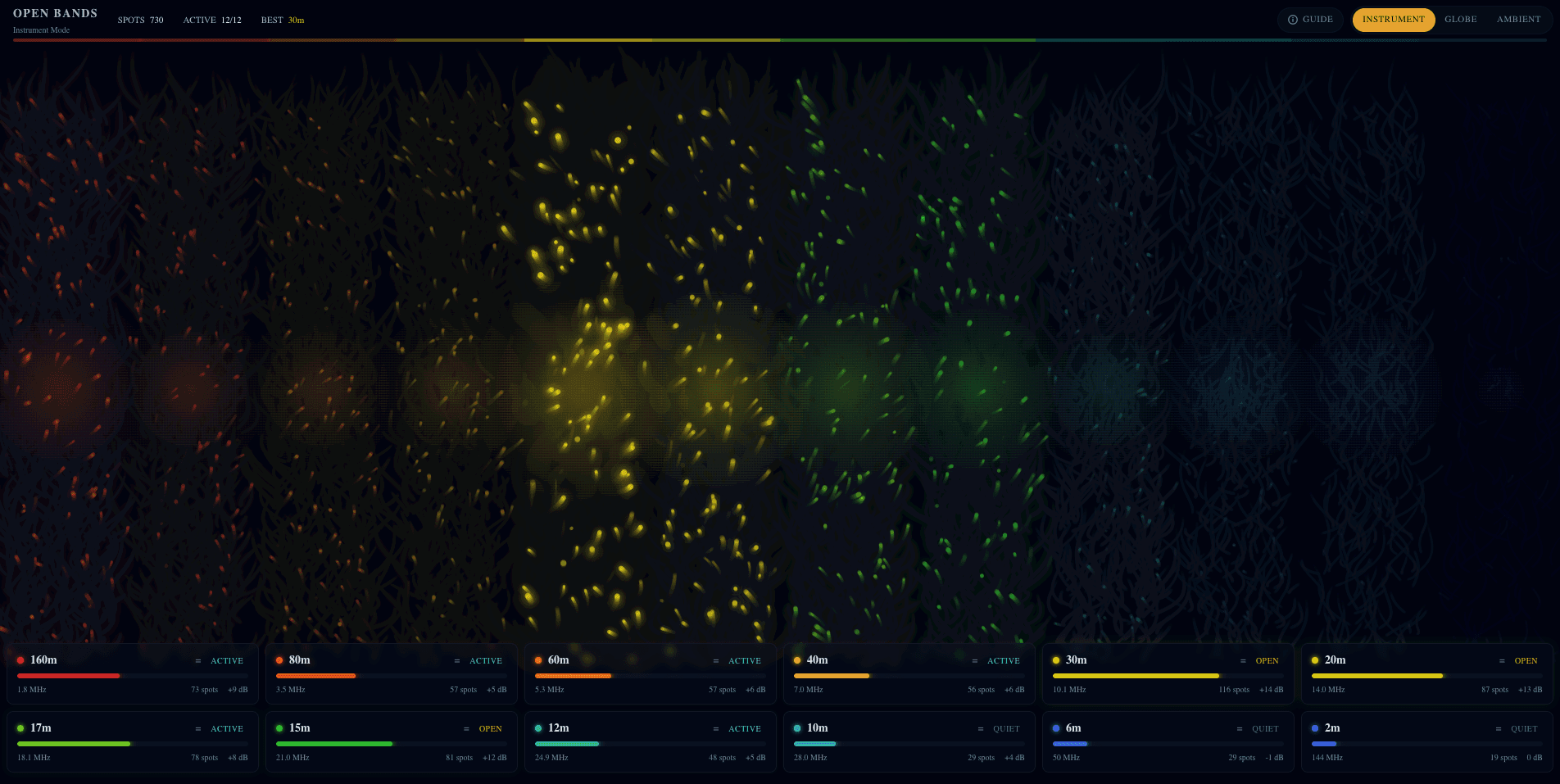
Open Bands

Open Bands visualizes amateur radio activity in real time, showing how different frequency bands behave throughout the day and across the globe. By using motion, color, and abstract forms instead of call signs or logs, it helps newcomers understand that radio bands open and close, become noisy or quiet, and connect distant places through natural propagation. Click the Guide tab on the project to get started!

Interactive Appv0React
Preview of Hamlib API Playground
03View Project
Hamlib API Playground

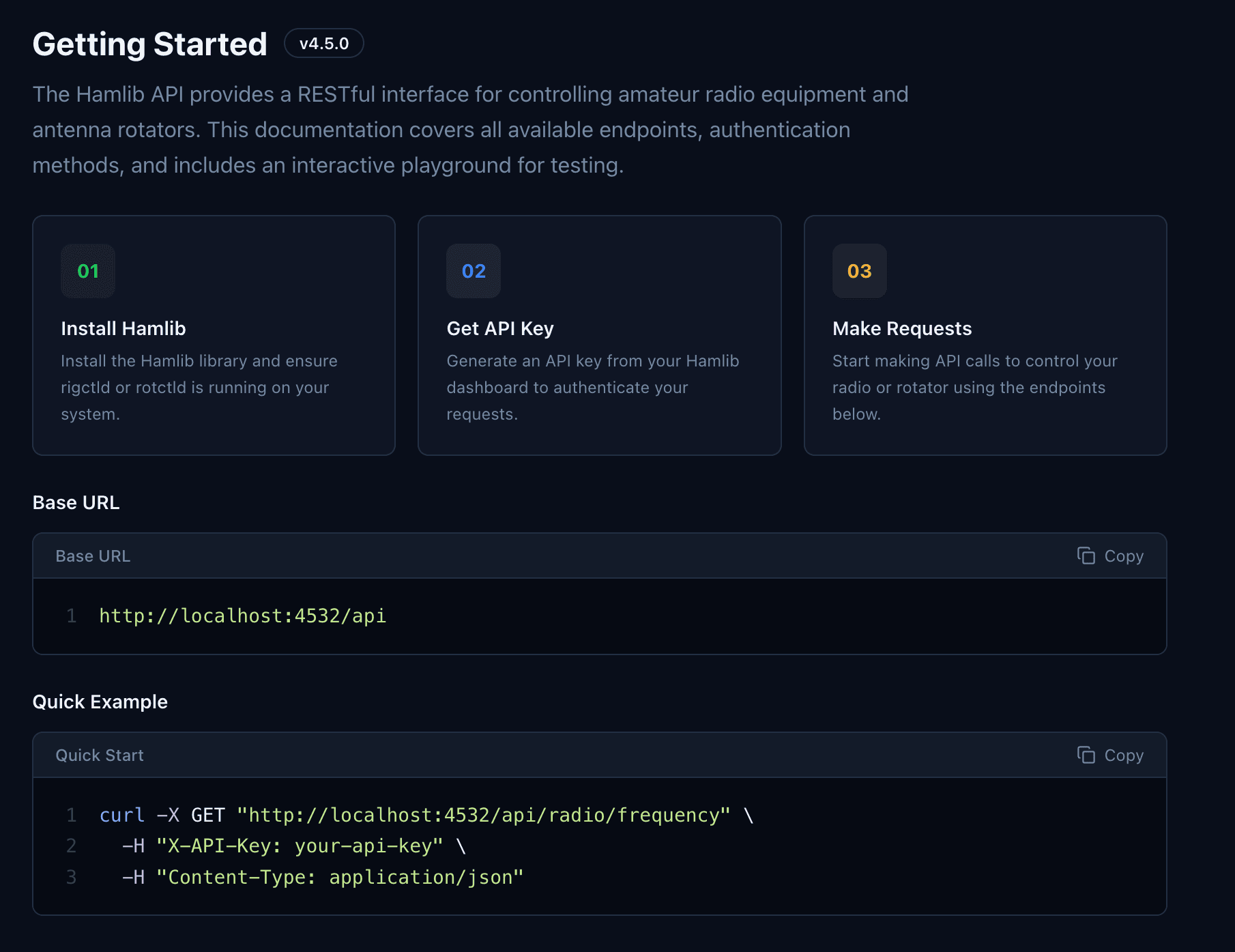
App that serves to explain how modern software controls radio hardware. By presenting radio control through a clean, interactive web API, it shows that ham radio is not just analog equipment and knobs, but something programmable and accessible to developers. It helps bridge the gap between traditional radio and contemporary software culture. Created with v0 by Vercel.

Interactive AppAPIv0

E-Learning Courses

Preview of Introduction to the Ayla Service APIs using Node-RED
04View Project
Introduction to the Ayla Service APIs using Node-RED

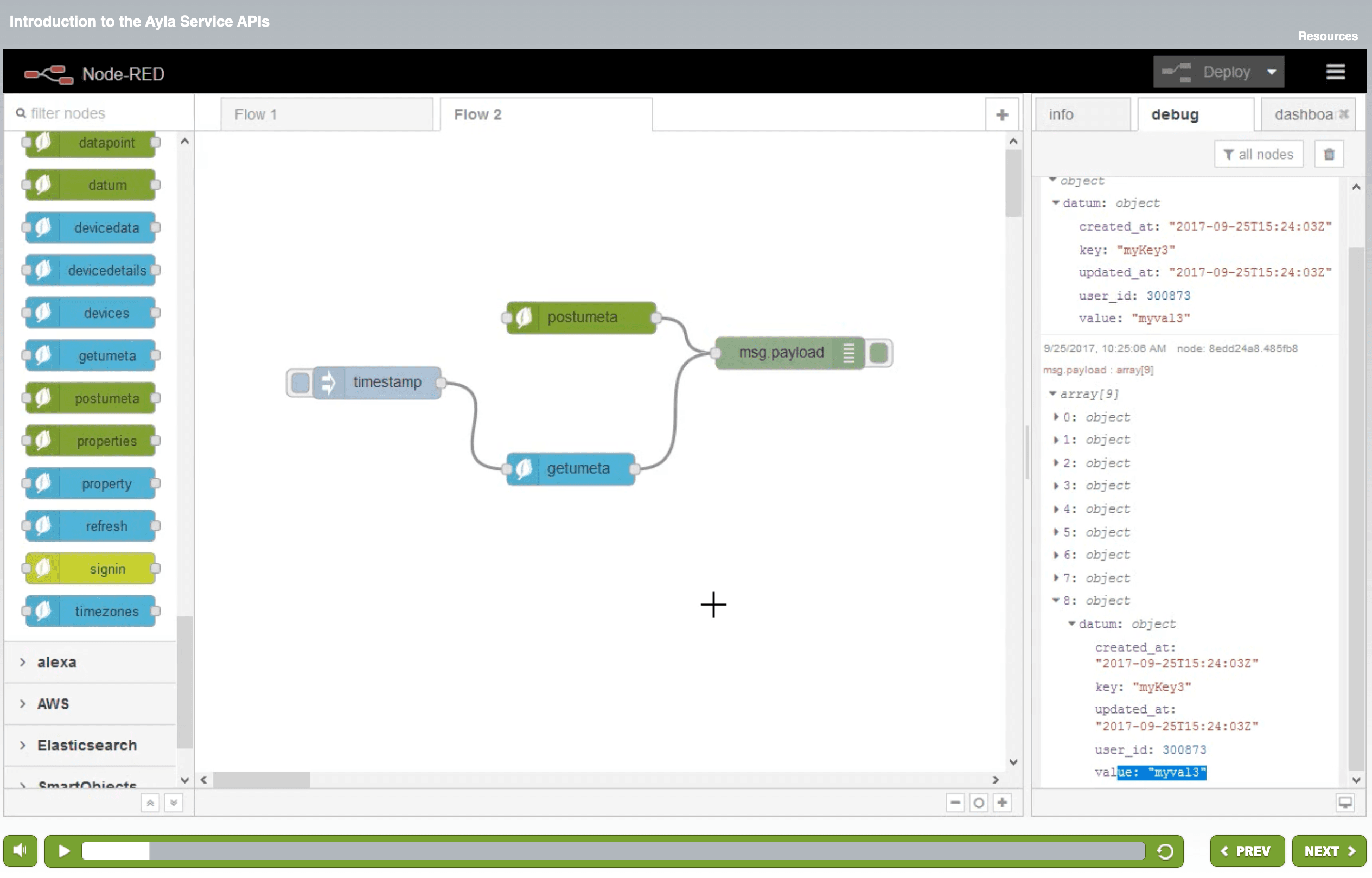
This course explains how to use custom APIs (a set of routines, protocols, and tools for building software applications) in Node-RED, an open source development tool for visual programming. Authoring tools included Camtasia, Articulate Storyline, Adobe Audition, and Adobe Photoshop. Audio narrated and edited by myself. Note: I did not design the course template, it was already in place.

E-LearningStorylineCamtasiaAPINode-REDAdobe Audition
Preview of Creating an Expense Report
05View Project
Creating an Expense Report

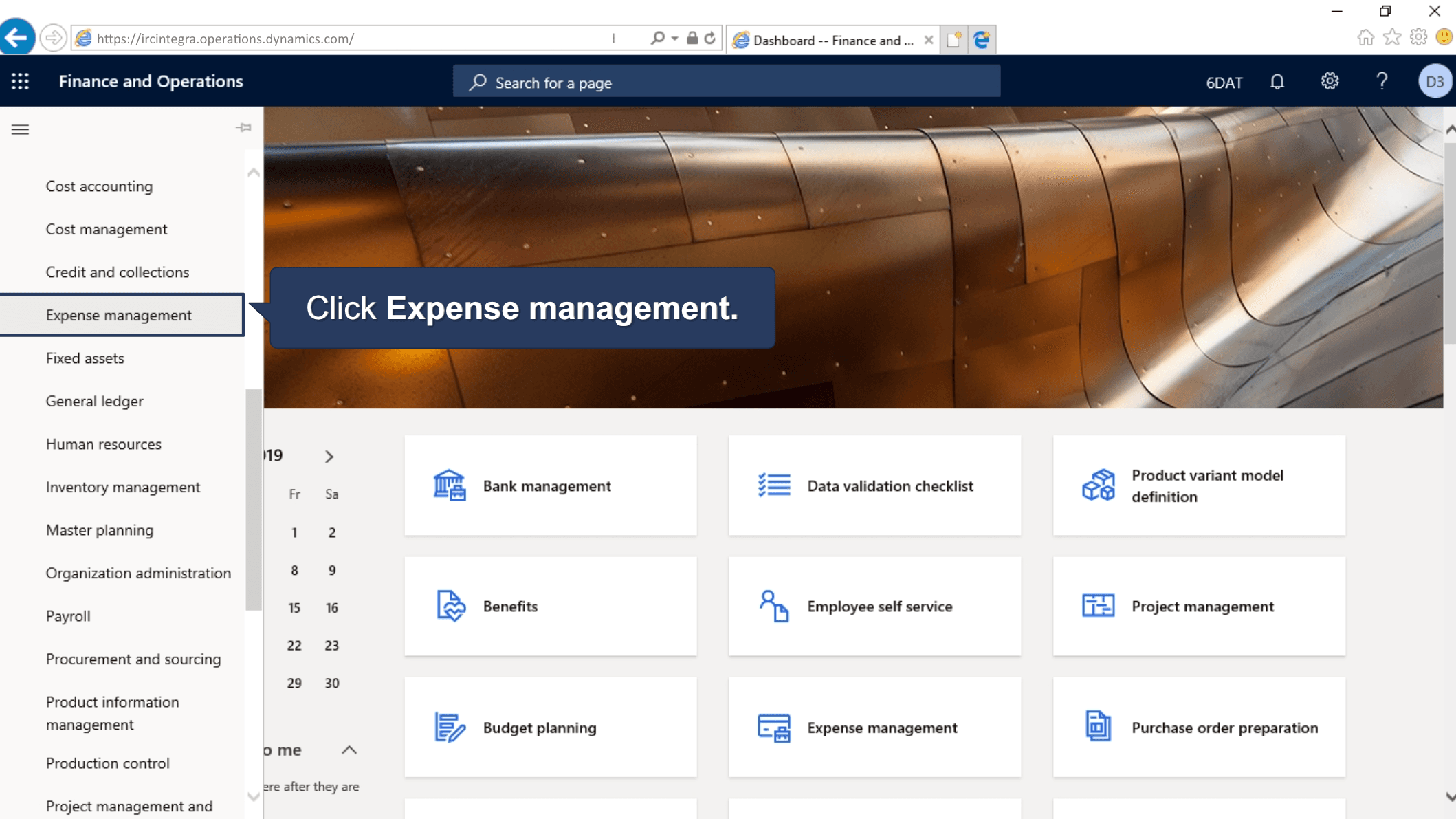
This course explains how to create expense reports in Integra, the International Rescue Committee’s Enterprise Resource Planning system (Microsoft Dynamics 365). Authoring tools included Articulate Storyline and Adobe Photoshop. Note: I did not design the course template, it was already in place.

E-LearningStorylinePhotoshop
Preview of Using the Lifecycle Optimizer
06View Project
Using the Lifecycle Optimizer

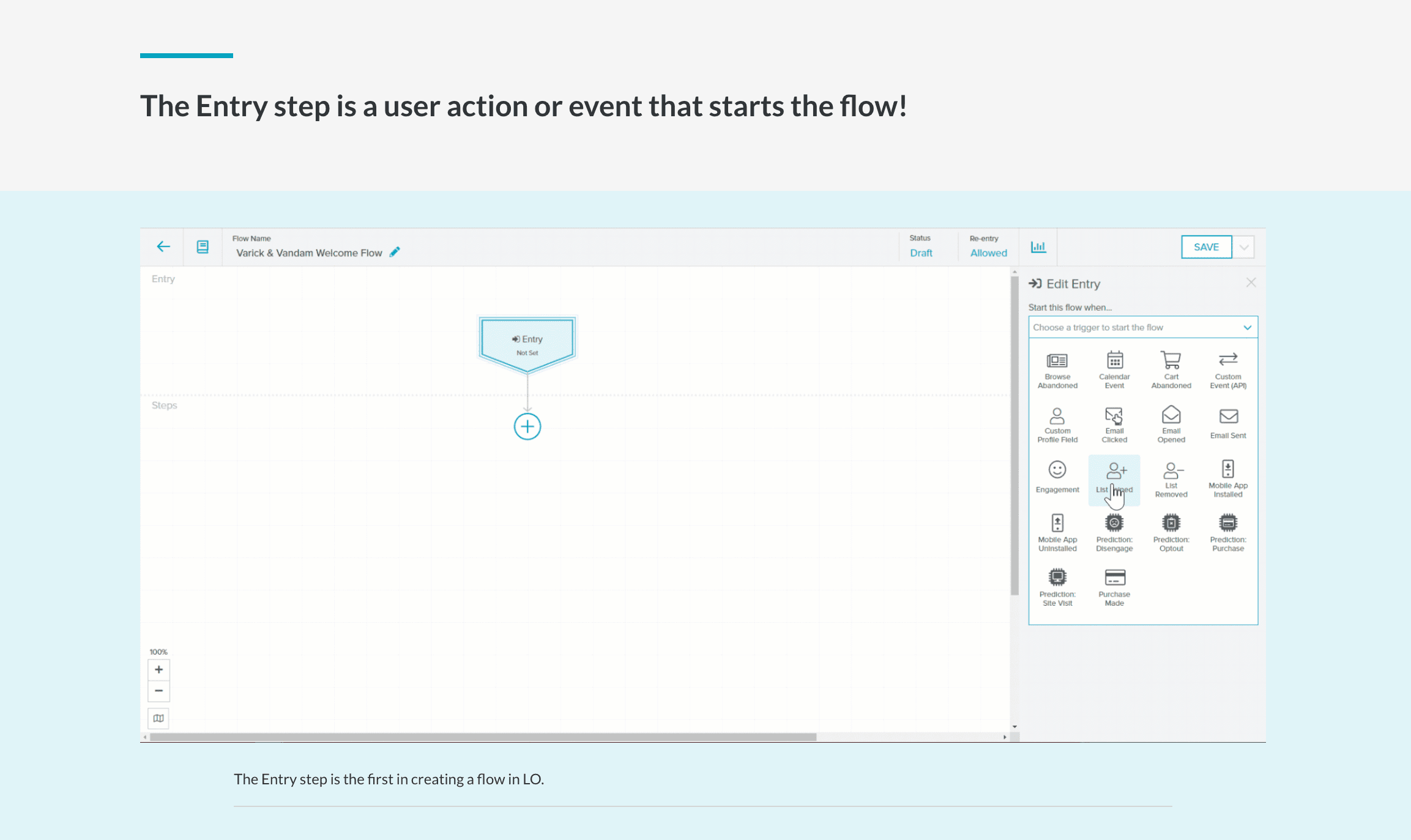
This course demonstrates how to use Sailthru’s Lifecycle Optimizer. The model reviews the visual interface, how to create flows to automate individualized messaging and processing of customers across channels. Authoring tools included Articulate Rise, Adobe Photoshop, Camtasia and Adobe Audition. Audio narrated and edited by myself.

E-LearningRise 360CamtasiaAdobe Audition
Preview of What Is Search?
07View Project
What Is Search?

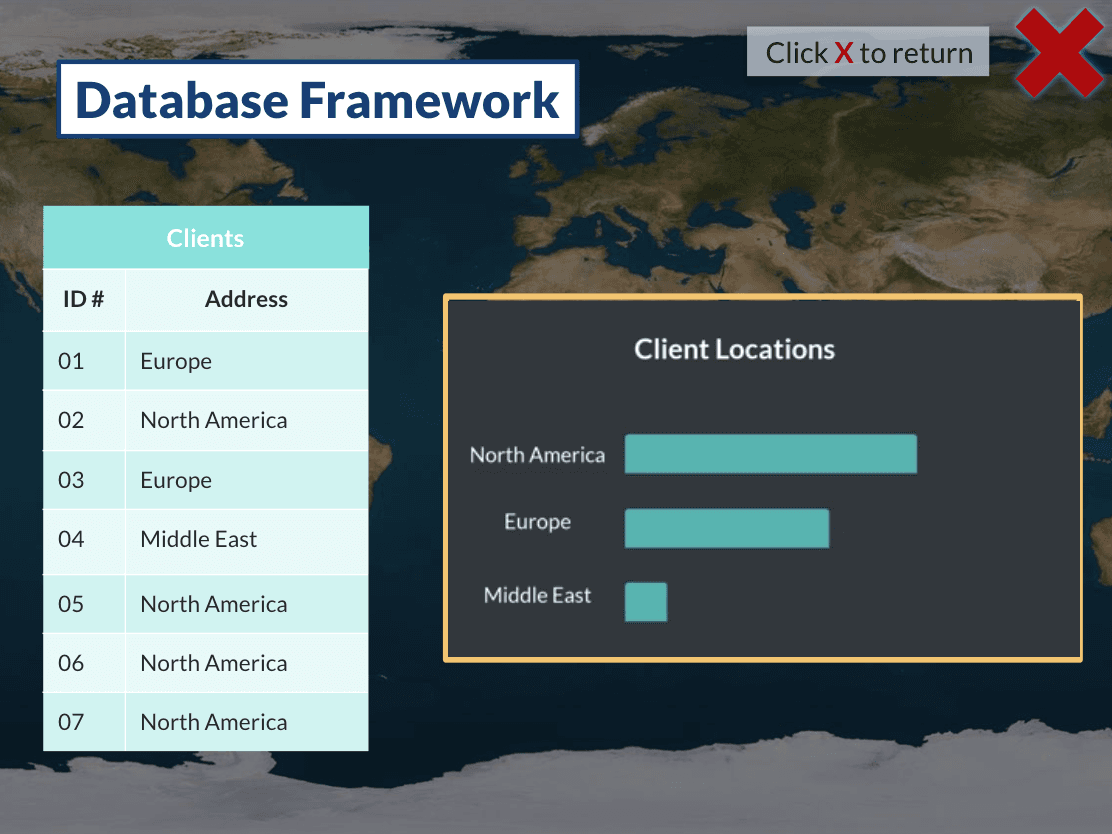
This course reviews what happens when you enter a term in a search engine, and how a database operates. Authoring tools included Articulate Storyline, Adobe Photoshop, Camtasia and Adobe Audition to edit audio.

E-LearningStorylineCamtasiaAdobe AuditionPhotoshop

Explainer Videos

Preview of Ayla IoT Platform Extended Overview
08View Project
Ayla IoT Platform Extended Overview

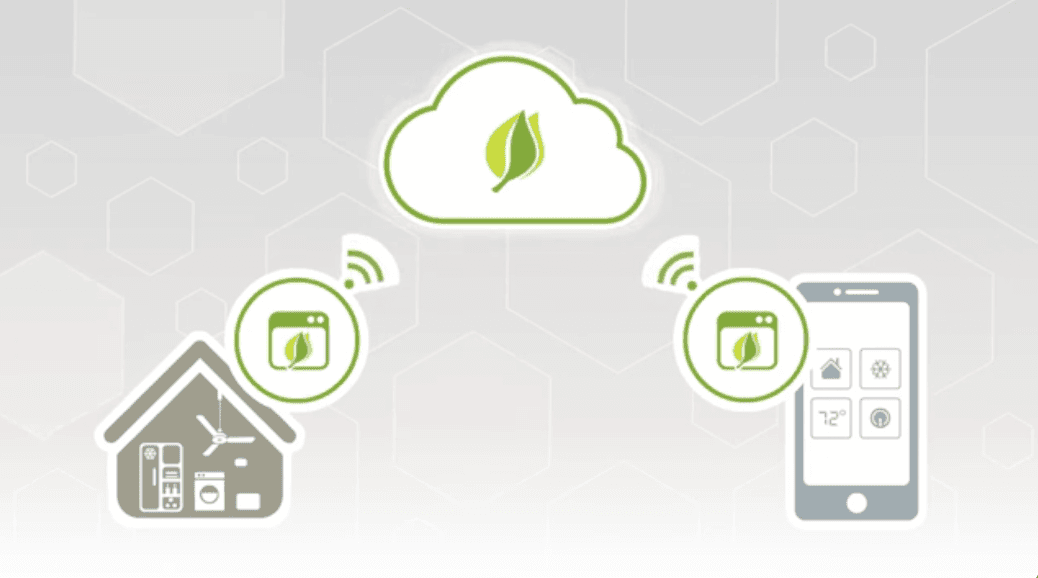
A 3.5 minute product overview video designed to translate a complex enterprise IoT platform into a clear, compelling narrative for both technical and executive audiences. The goal was to demonstrate how connected products and cloud infrastructure drive business transformation while supporting sales and brand positioning. Produced using Adobe Premiere Pro for editing, After Effects for motion graphics, Photoshop for visual assets, and Audition for audio production.

Explainer VideoPremiere ProAfter EffectsPhotoshopAdobe Audition
Preview of Optimizing Truck Rolls
09View Project
Optimizing Truck Rolls

2 minute video created to explain how Ayla Networks’ IoT platform can save industrial companies that have industrial connected devices time and money. Authored using Adobe After Effects, Adobe Character Animator and Vyond. Audio narrated and edited by myself.

Explainer VideoAfter EffectsAdobe AuditionPhotoshop

Documentation

Preview of MSP Sales Enablement Performance Plan
10View Project
MSP Sales Enablement Performance Plan

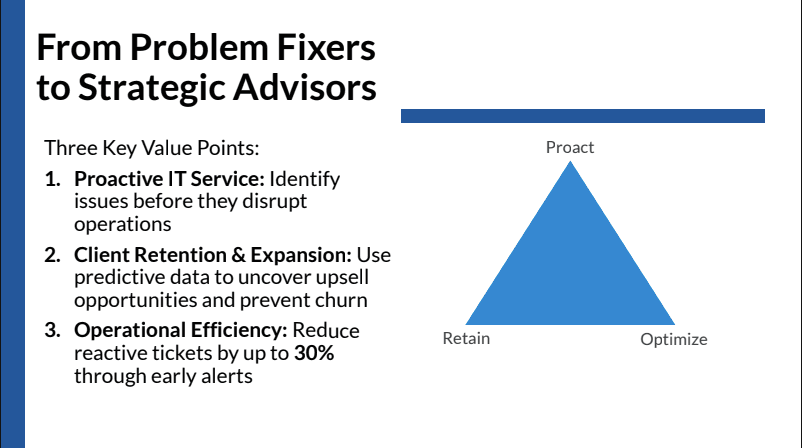
This document outlines an MSP sales enablement initiative by summarizing identified needs, presenting the training design approach, providing sample content, and detailing how the enablement program will be rolled out. Portions of this document were edited using AI-assisted writing tools for clarity. All instructional and strategic design decisions were developed manually.

Performance PlanDocumentationPresentation